Spanish and Hindi, and your kitchen works offline
✨ New
- KitchenTalk now speaks Spanish and Hindi. Pick your language in Settings. The whole app, the chat’s fixed replies and the spoken “Kitchen at a glance” follow it.
- Your kitchen works offline. See what you have and your shopping list without internet. Changes you make wait and send when you’re back online.
- Pictures kept for offline use download on Wi-Fi only, so they don’t use your mobile data.
- Waiting to be let in? Get a sign-in code with your own email or phone.
🛠️ Fixed and improved
- Photos of crowded shelves are read more carefully. KitchenTalk only lists what it clearly sees and tells you how many it wasn’t sure about, instead of guessing.
- “Sugar 2” or “Milk x3” on the shopping list now means 2 sugar and 3 milk.
- Adding to the shopping list works without internet too; it’s sent when you’re back online.
- Many screens that stayed in English now show your language.
Update to the latest version on the App Store or Google Play to get them.
The iPhone app is on the App Store
KitchenTalk is now on the App Store. Sign in with your usual account and your kitchen, shopping list and Circle are all there. Android is on Google Play, and the web app works on any phone or computer.
Meal Plan: a week of meals from what you cook and what you have
On Home, open Meal Plan, pick a theme and how many meals a day, and see up to three draft weeks to choose from. Use one and it becomes your Circle's current plan. Change a meal, shuffle, or add what a dish is missing to your shopping list with a tap. Everyone in the Circle can read the plan and tick “Ate this”; the owner or a delegate changes it.
Add a recipe from a link, a YouTube video or a voice note
Open Recipes, tap Add a recipe, and paste a link, paste a YouTube video, or pick a voice note saved from WhatsApp or a recording (up to 15 minutes). KitchenTalk reads it or listens to it and shows you the recipe to check. Nothing is saved until you say so. No recipe in the video’s description? Find this dish online.
Recipe ideas show your own recipes first, with a link to every recipe
When you ask for something to cook, your own saved recipes come first. Every dish carries a link: Your recipe when it is one of yours, KitchenTalk recipe for ours, or Open on the site it came from.
Receipt photos show with card details hidden
Before a receipt photo is uploaded, your phone covers the payment part (card, authorisation, phone number and everything under the total). You see a preview with a drag bar before you send it.
A few smaller things
A cart button in every screen’s header opens your shopping list. When you tell the meal check-in you ate out, you can scan or upload the receipt. Your Inventory has slimmer one-line rows, and on a wide screen Chat and Inventory sit side by side.
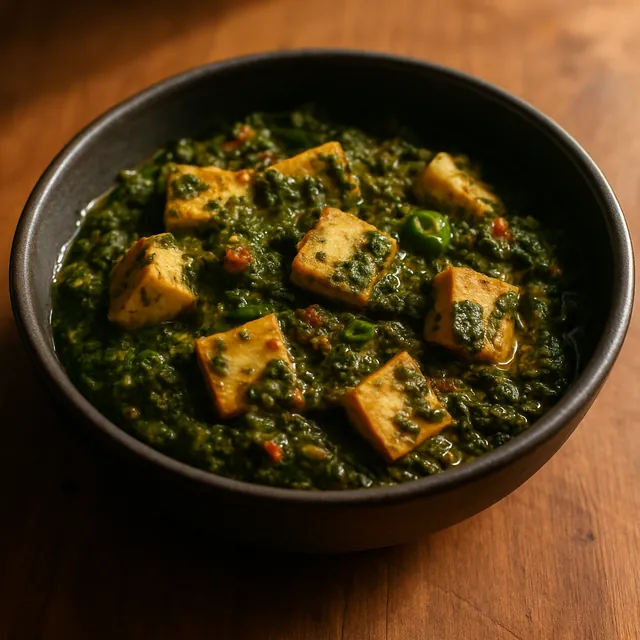
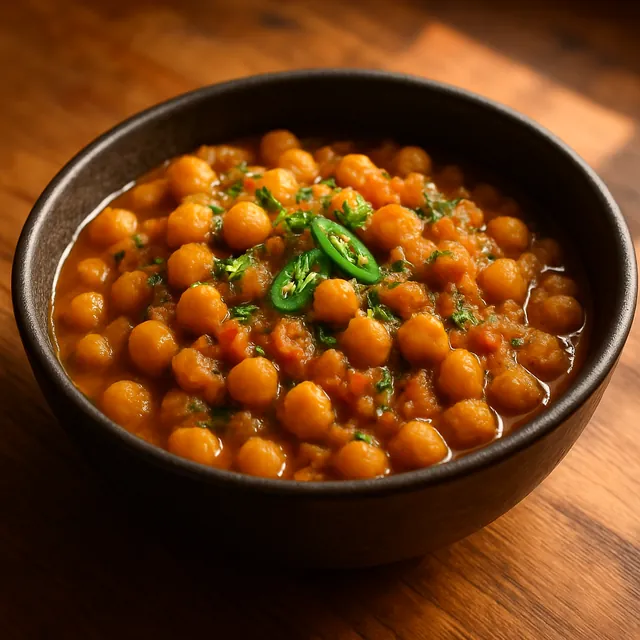
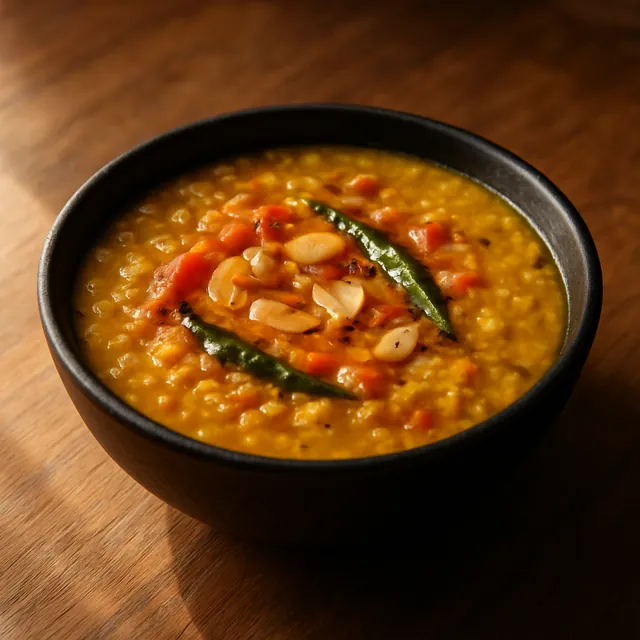
Dishes now come as picture cards
What can I make with what I have?
Ask that, and Coco answers with a picture card for each dish your kitchen can make. Tap a card for its recipe.